Phone Numbers
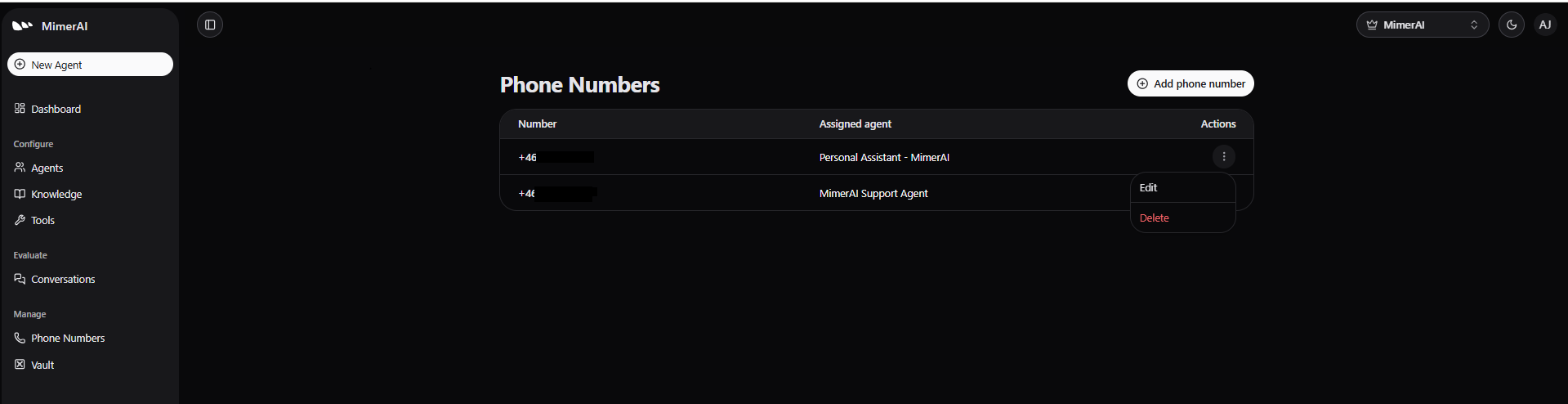
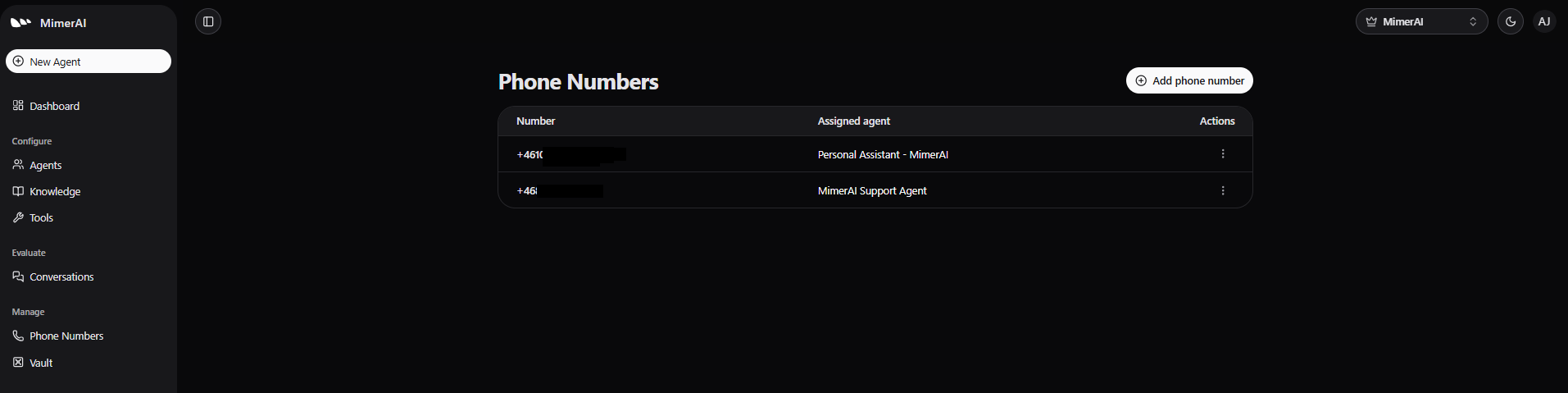
One place for all the phone numbers your Agents answer - add a number, see which Agent it is assigned to, change it or delete it.
Adding a phone number
Before a number can be added here, it must be connected to Envocal through your telephony provider (a SIP trunk). We set that up for our customers: contact us at hello@envocal.ai for more information or for test numbers.
Go to Phone Numbers in the menu, click Add phone number and enter the number in international format,
with the + and the country code (for example +46701234567). It is then ready to be assigned to an Agent.
Please note
Answer calls with an Agent
The steps that let an Agent answer calls on a phone number.
Changing or deleting a number
Open the menu on a number's row and choose Edit to correct the number, or Delete to remove it. A number assigned to an Agent can't be deleted: unassign it in the Agent's Telephony tab first.