Conversations
Every conversation your Agents have had, on every channel, with transcripts, summaries and details - filter them, read them, and learn where your Agents can improve.
Finding conversations
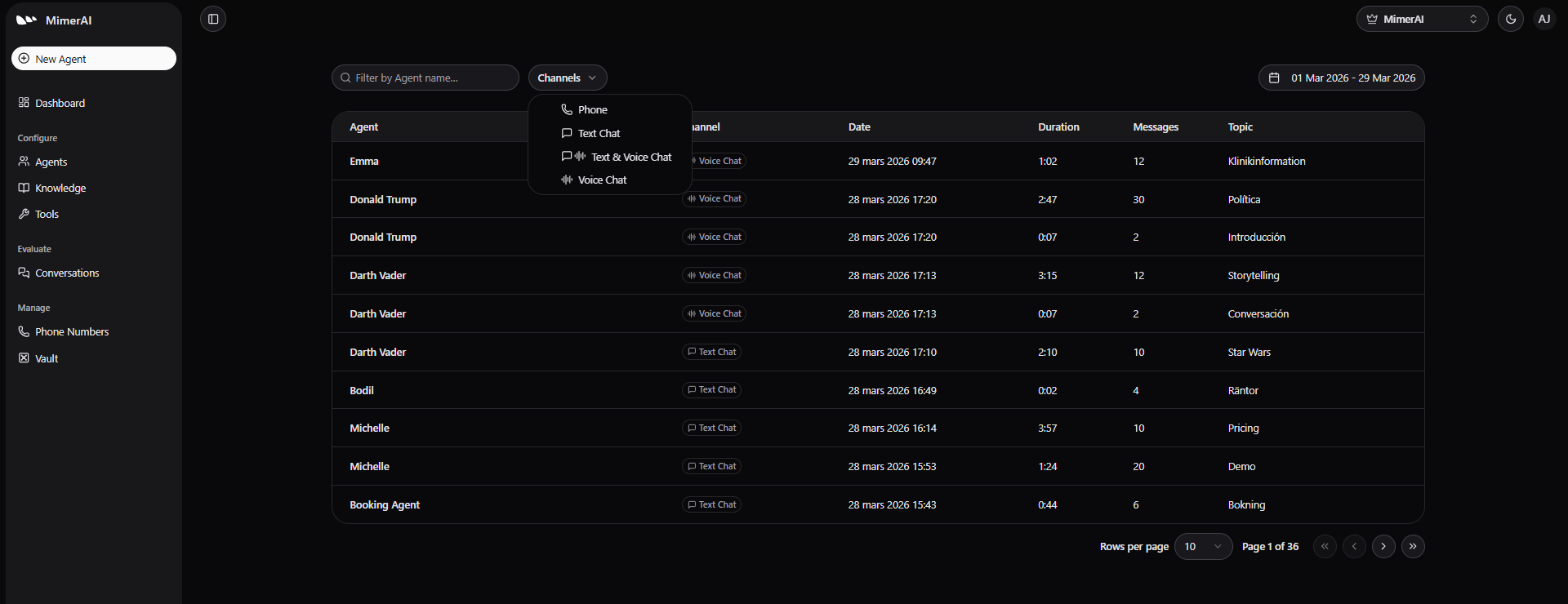
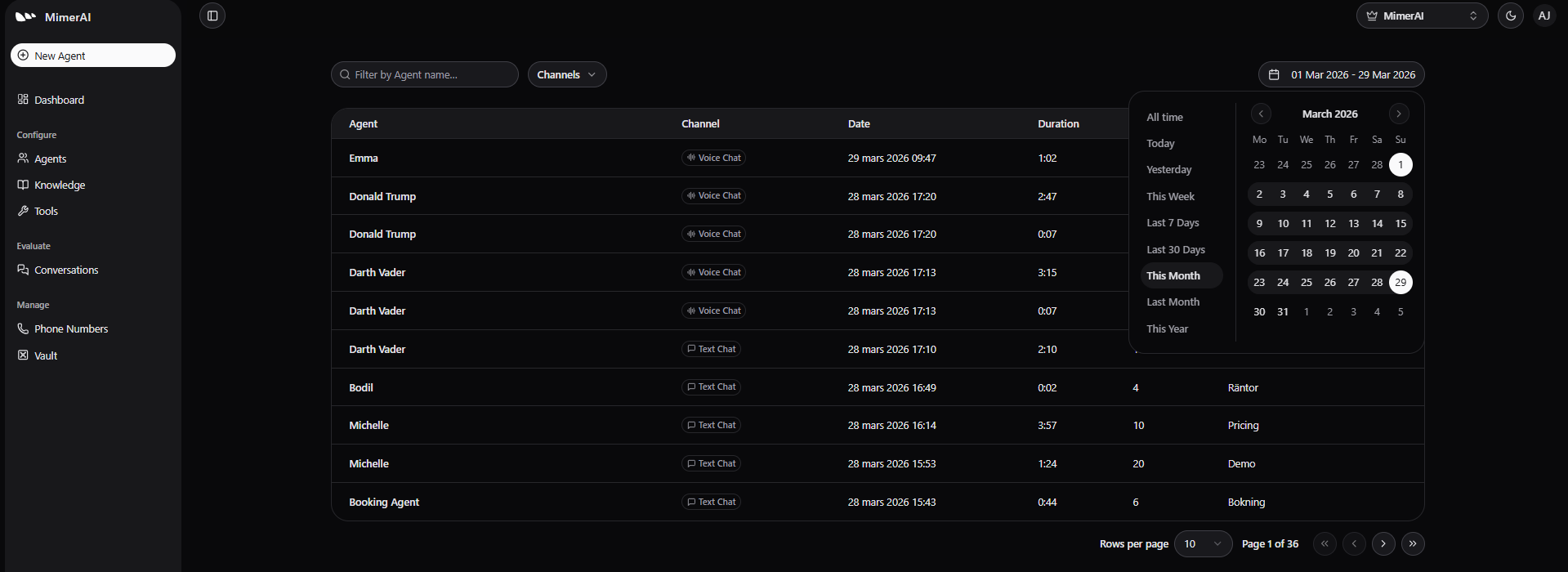
Conversations in the menu lists every interaction with your Agents across all channels, newest first. Each conversation's topic is identified and the conversation is summarized automatically, its duration is measured and other key details are recorded.
To find conversations, filter by Agent name, by channel (Phone, Voice Chat, Text Chat; older conversations may show Text & Voice Chat) and by date range, which starts as the current month.
Inspecting a conversation
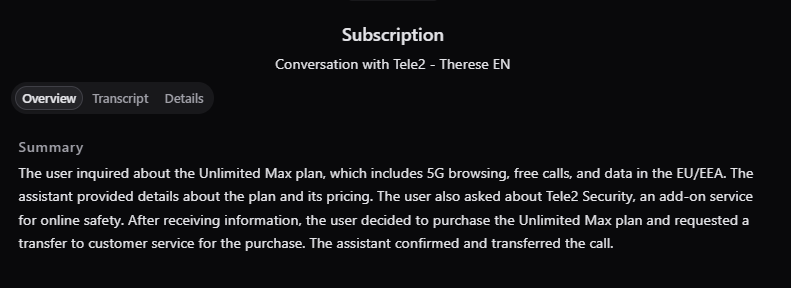
Click a row to open the conversation:
| Tab | What you see |
|---|---|
| Overview | The summary of the conversation. |
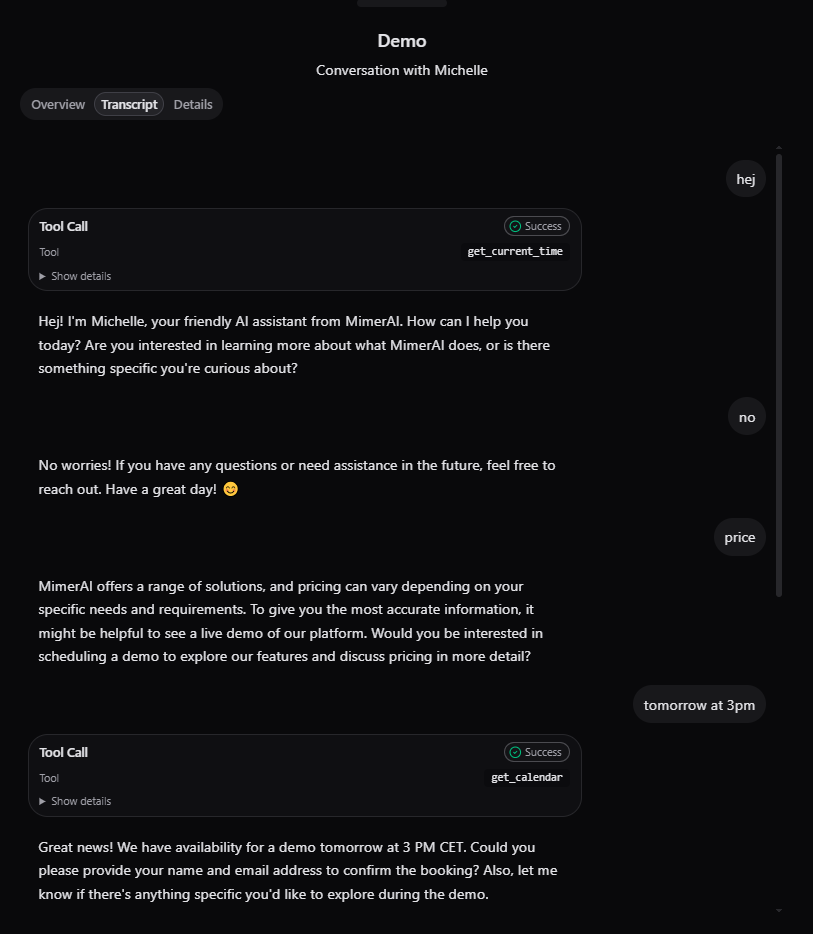
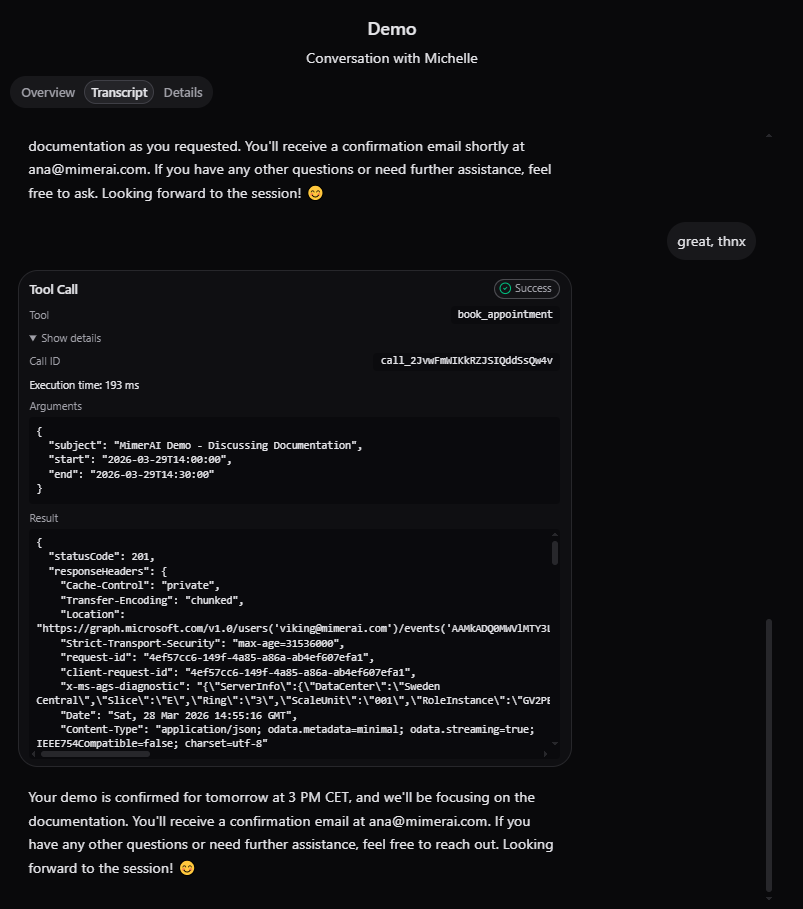
| Transcript | Everything that was said or written, in order, including each knowledge base search and tool call with what was sent and what came back. |
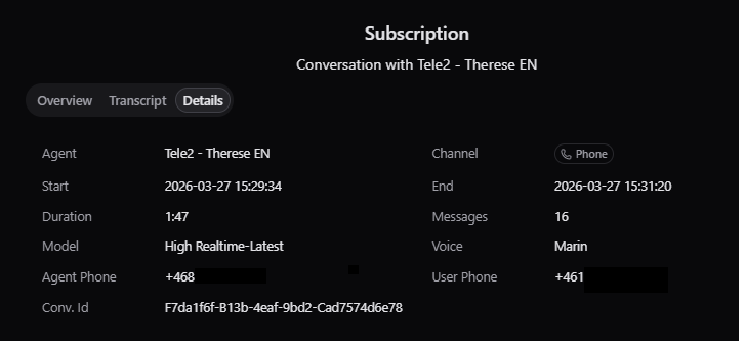
| Details | The Agent, channel, start and end time, duration, number of messages, the phone numbers for calls, the end reason, the AI model and voice, and more. |
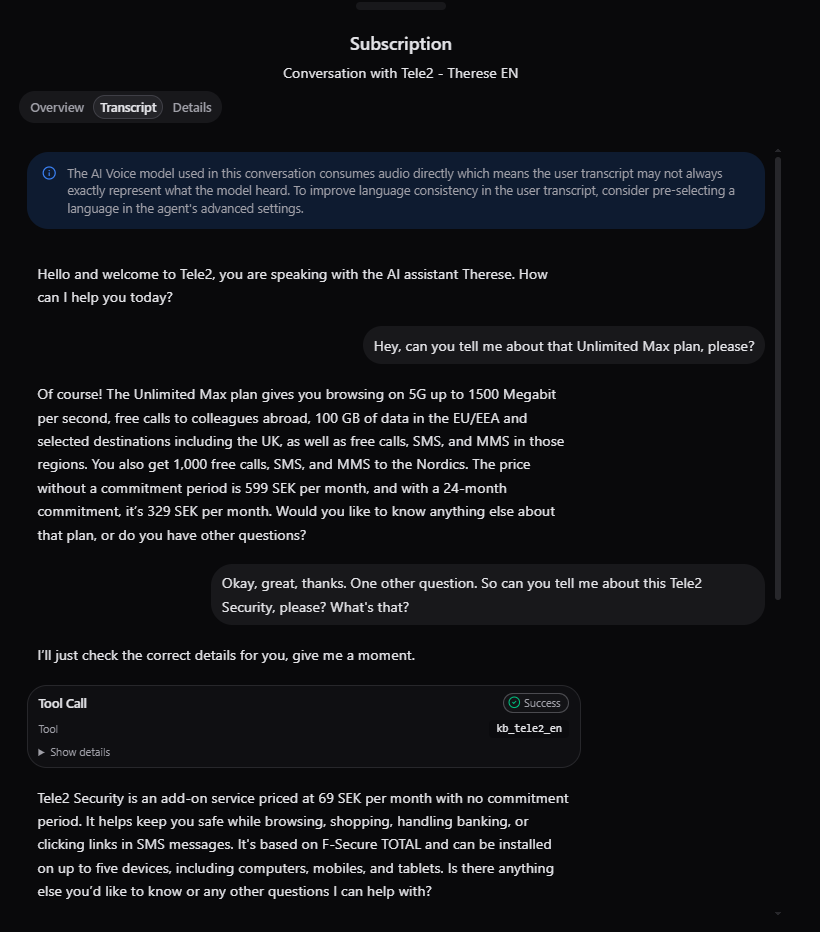
Tool calls and knowledge base searches in the transcript show their arguments and results, which makes it easy to see why the Agent answered the way it did.
Note
For totals and trends across conversations, see the Dashboard.
Tell us what you need
Dashboard
See how your Agents are used at a glance on the Dashboard - total interactions, voice time, the most active Agents, and interactions over time and per channel - for any period and any Agents.
Phone Numbers
One place for all the phone numbers your Agents answer - add a number, see which Agent it is assigned to, change it or delete it.